
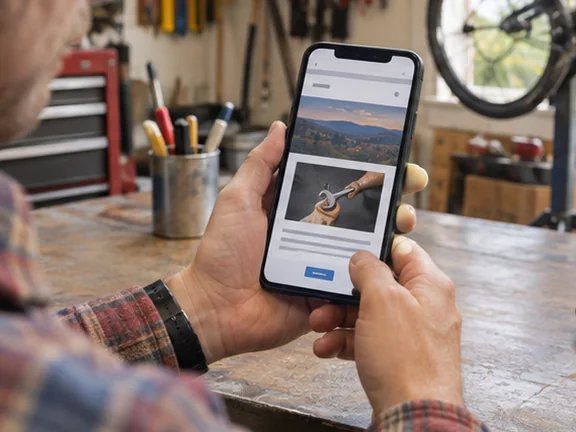
Start the way a customer starts
Find your business on a phone and open the page that shows up. Check if the first screen tells you what the business does and where it works. Try reading it outside or in bright light. If a popup hides the phone number, service name, or quote button, put that at the top of the fix list.
Run three real customer tasks
Try calling, getting directions or checking the service area, and submitting an inquiry. Use a real test email and confirm that the message arrives. If the page uses a large gallery or video, try it on mobile data. Look for buttons that jump around or text that overlaps when the page loads.
Make a short, actionable repair list
For each failure, record the URL, phone model, browser, and what you expected. Prioritize missed calls or requests first, then confusing information, then slower pages and visual tweaks. A screenshot and one sentence about the problem are often enough to scope a small fix.
Repeat the exact tasks after the update
Use the same phone and connection to verify what changed. Ask one other person to try the site with no instructions and see where they pause.
Run a 60-second customer test
Start on a service URL on a phone and try to work out what the business offers, where it works and how to ask for help. Then open the contact action with one hand. Keep a short list of issues like a covered call button, sideways scrolling or a form with the wrong default.