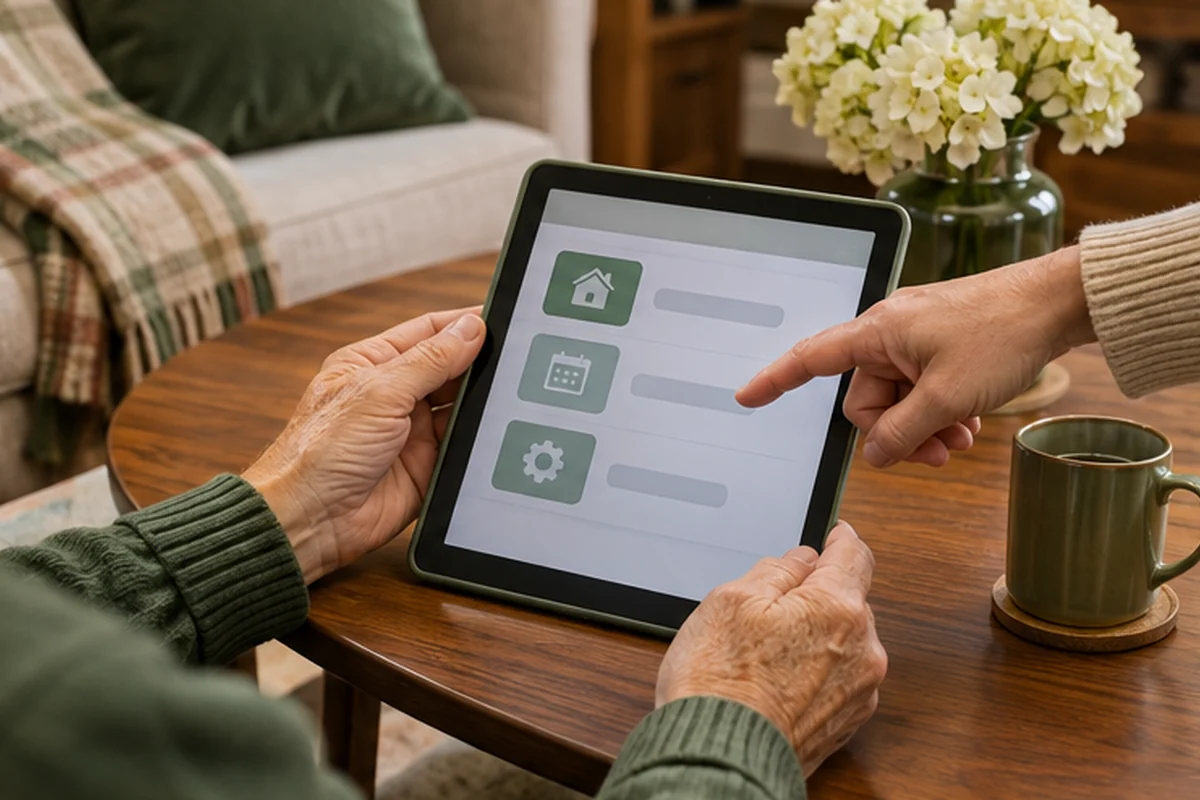
Choose a few tasks you want to be able to do
Start with one or two things you use often, such as reading email, joining a video call, or finding photos. Write down what happens now and what you want to do by the end of the visit.
Gather the devices and accessories
Have the phone, tablet or computer charged and nearby. Bring its charger and, if you’re moving to a new device, keep the old device available. For Wi-Fi trouble, note where the signal drops and which devices can still connect.
Keep access in your hands
Enter passwords and one-time codes yourself during the visit. If a relative is arranging the appointment, let us know what the person using the device wants to learn and whether they’d like a family member there.
Leave time to try it again
Ask to repeat the steps on your own device and write down what works. If you want help with a printer too, include the model and what you need to print or scan in the same request.
Practice the task that caused the call
For a video call, start from a locked screen and practice joining from the actual invitation. For photos, take one picture and find it again in the gallery the way you normally would. Leave a short reminder next to the device, with the actual app name and two or three steps the person will use tomorrow.