Use a guest account or device for the walkthrough. Connect where a guest will see the instructions, then try Wi-Fi in the spaces they are likely to use. Note any spot that loses connection or instructions that still show an old network name.
List what guests should be able to control, such as the TV, a speaker or a thermostat. Check that guests can use those features without signing into the owner’s account.
Send the device list and describe the trouble spots in your quote request. Share access details only after you have arranged the visit.
Test the rental from a guest phone
Join the actual guest network without using the owner’s saved settings. Open a real video on the TV and test the room advertised as a workspace. Verify that guest access does not reach owner devices you intend to keep private, and check whether your guest casting setup still works as intended.
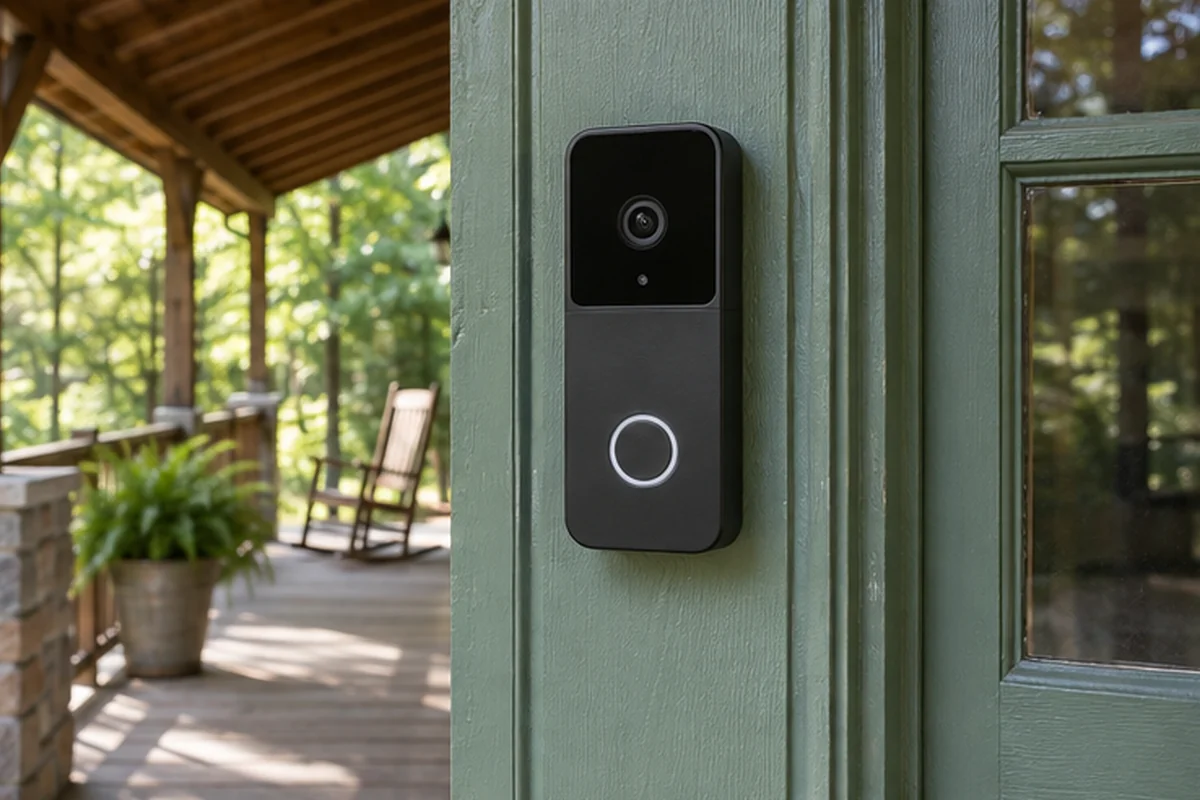 Ring Doorbell installation guide for Wurtsboro, NY
 Blink Outdoor 4 setup and Sync Module choices in Monticello, NY
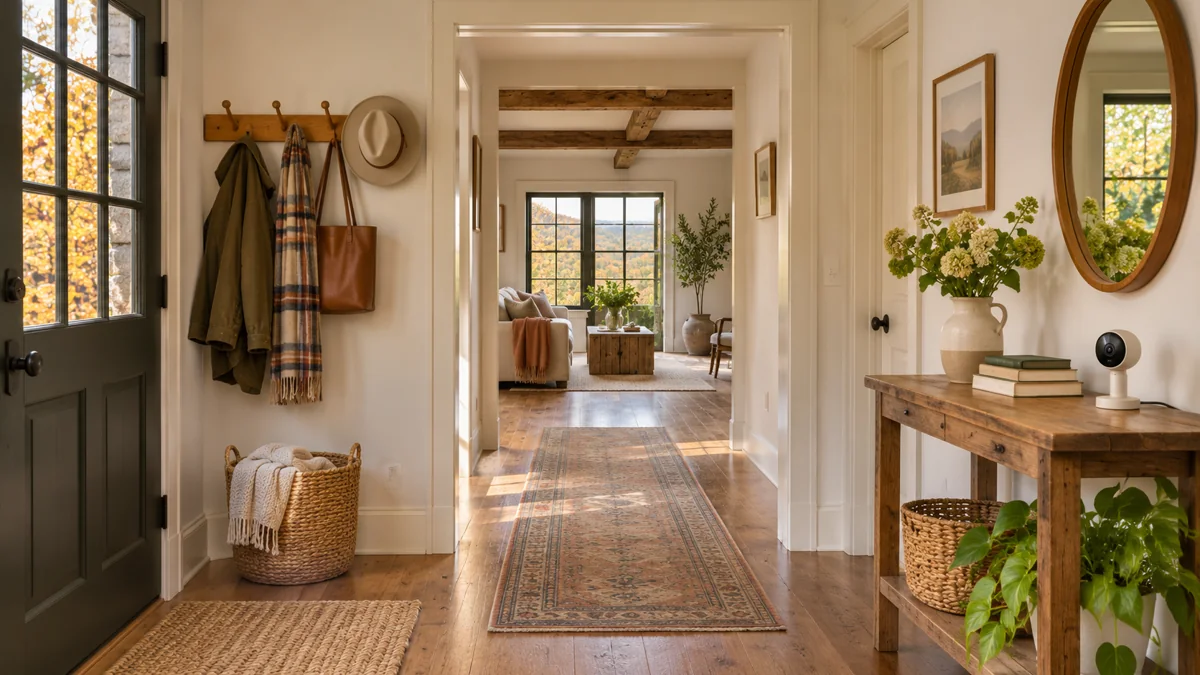 Ring Drone Cam for Hudson Valley Homes