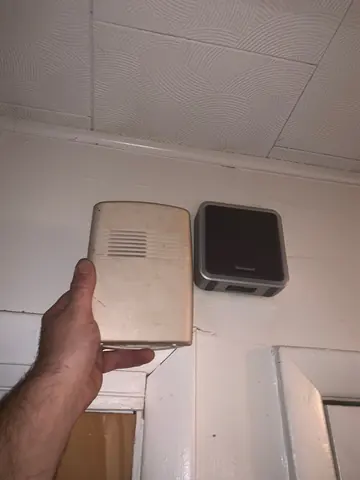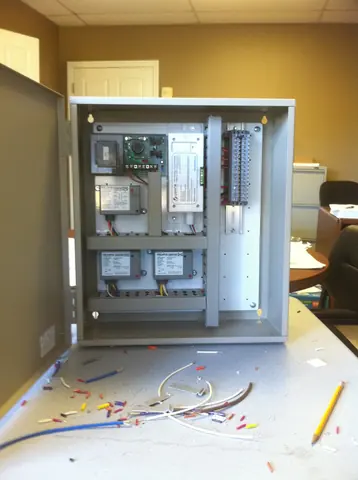
Write down which plugs, speakers, cameras, or doorbells need reconnecting. Include the model and the app used to control each one. Note whether anything is still linked to another household member’s account.
Stand next to each device with your phone and see whether the network is usable there. This helps distinguish a pairing problem from weak coverage in a basement, outbuilding, or near the entry.
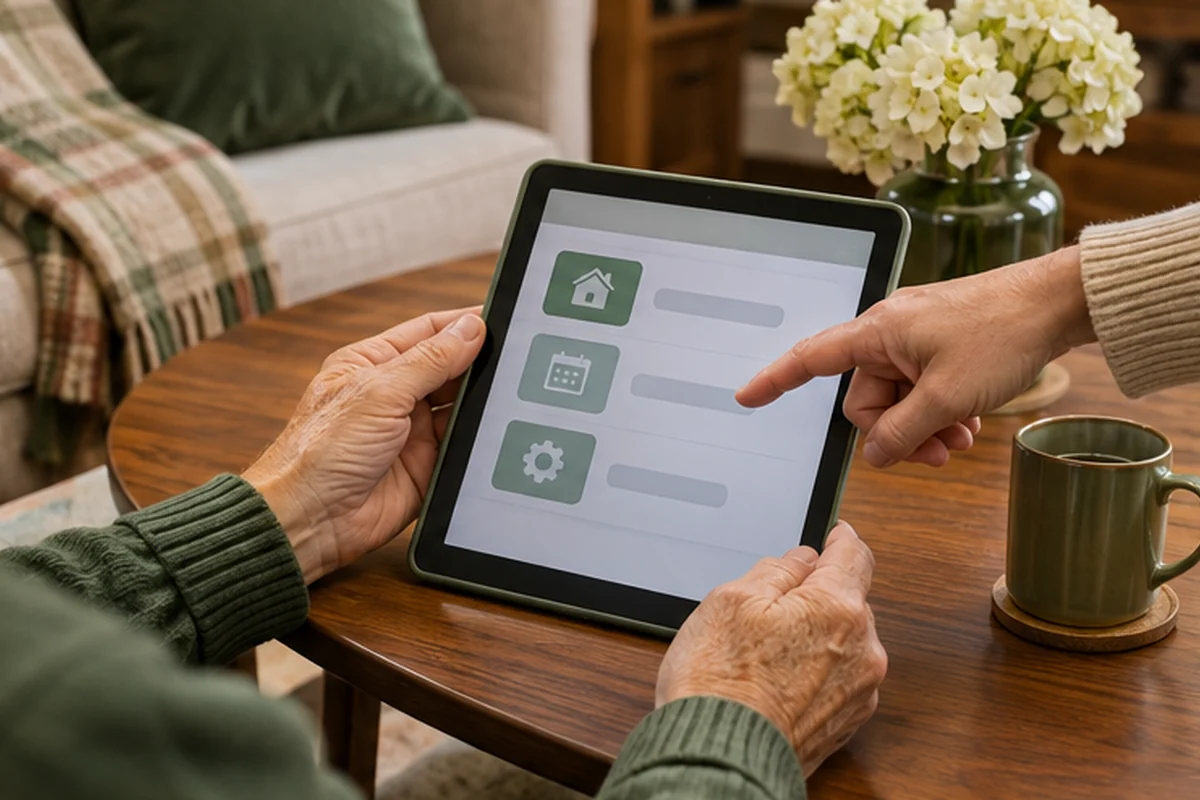
Keep the boxes or setup cards handy. The person who controls the app and Wi-Fi account should be present to sign in and enter passwords during the visit.
Set up one device before changing the whole network
For a smart plug or speaker, identify the supported Wi-Fi band and the owner’s phone app. Test the accessory close to the router first, then move it to its intended outlet. Keep a physical way to use the device and show the owner how to control it before leaving.
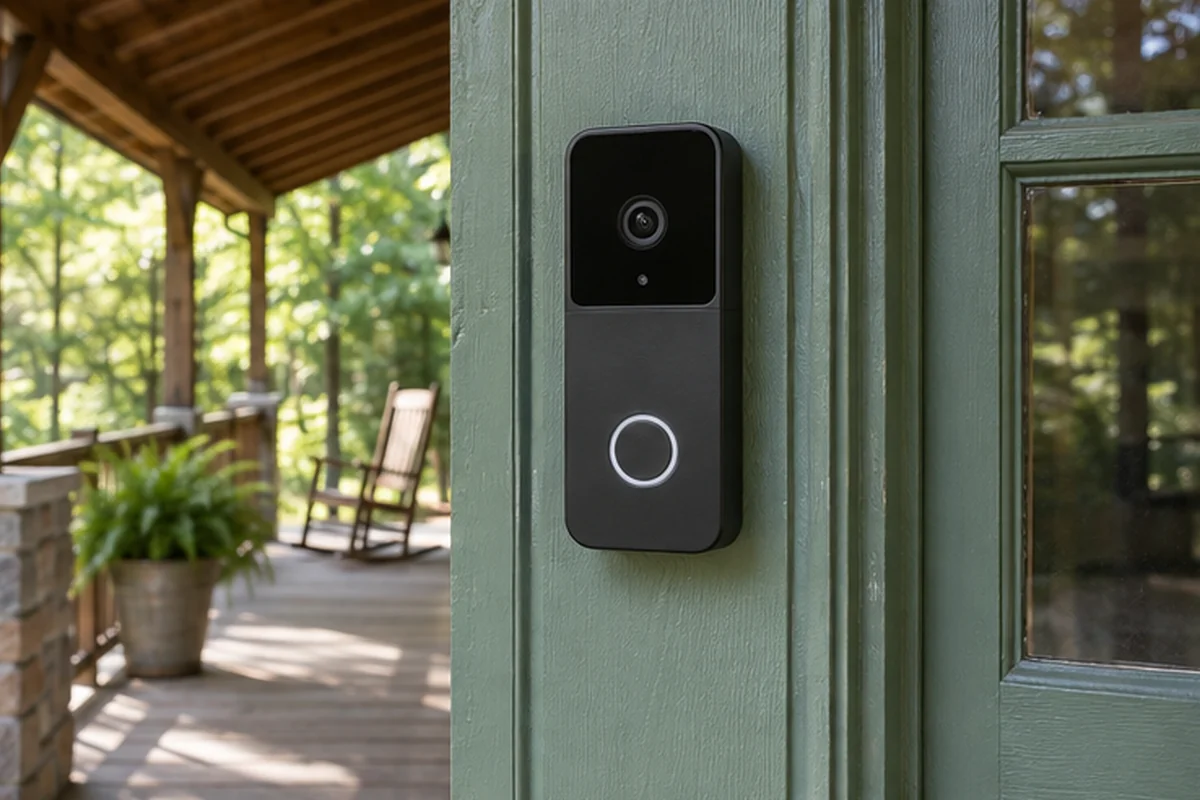 Ring Doorbell installation guide for Wurtsboro, NY
 Blink Outdoor 4 setup and Sync Module choices in Monticello, NY
 Ring Drone Cam for Hudson Valley Homes