Nest Doorbell Battery vs. wired 2nd or 3rd Gen
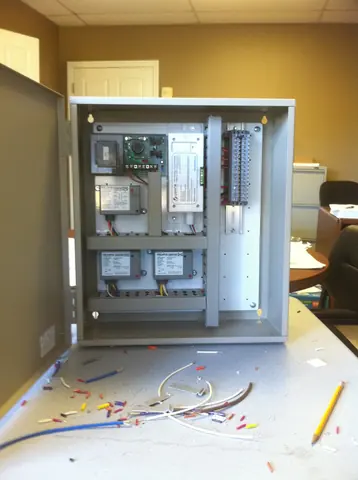
A Nest Doorbell (battery) can suit an entry without existing wires. Google’s wired 2nd and 3rd Gen models use a compatible doorbell system for power. In the U.S., Google specifies 16–24 VAC and 10–40 VA for those wired generations. If you are replacing an older Nest Hello, record the exact label and ask the installer to verify the transformer and indoor chime before assuming they carry over.
Does wiring a Nest Doorbell Battery enable 24/7 recording?
No. Google says the Nest Doorbell (battery) cannot record continuously, even with its optional wired connection. If continuous history is the goal, compare the eligible wired model and the Google Home Premium plan tier that includes it. Event history and continuous history solve different problems. An alert clip can show a visitor arriving, while continuous history can help review the minutes between events.
Which app owns a used Nest Doorbell?
Use Google Home for the battery, wired 2nd Gen and wired 3rd Gen models. An older Nest Hello can still involve the Nest app or a migration to Google Home. If the device came with a Middletown property, settle the previous owner’s account removal and Google Home household access before the installation visit. The person who should receive notifications needs access to the correct Home, especially if an account has more than one property.
My Nest Doorbell shows video but the indoor chime is quiet
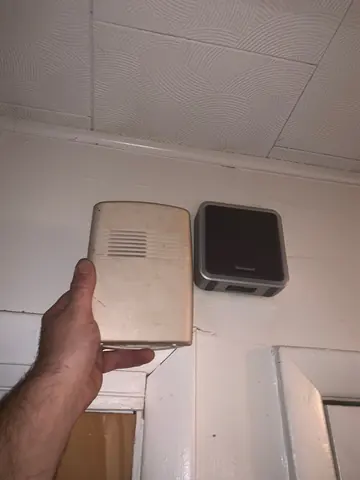
Separate a live video problem from a chime problem. Check the exact model, Google Home chime settings and any quiet-time schedule. If the wired model still does not ring, have the qualified installer check the chime, included connector where applicable, and transformer. Use a licensed provider for regulated security installation. If other devices also lose Wi-Fi at the door, ask about general home tech support in Middletown.