Make a three-location check
Try the same phone near the router, in the room with the problem, and halfway between. Write down where a page loads or a video call drops. Repeat with another device if possible. A problem in every spot could point to the connection, while a problem only past certain walls is more likely to involve coverage.
Check where your equipment sits
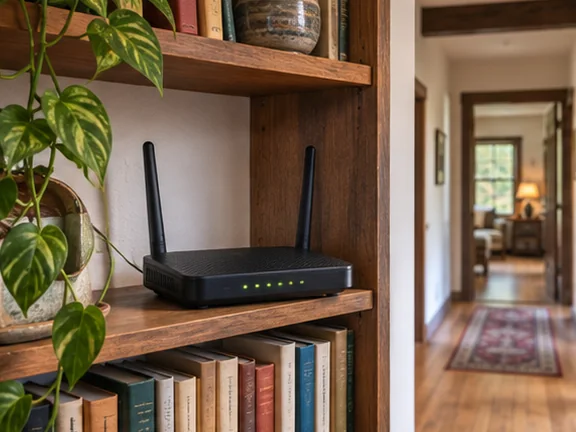
A router buried in a cabinet or at the far end of a home may be poorly placed for the rooms that need it. Try a more open location if the cables allow it. If you have mesh units, place one where it can still receive a usable signal. A unit sitting inside the dead zone may have little connection to share.
Match the fix to the real task
A Woodridge household may need a steady upstairs video call, a reliable kitchen printer, or a TV that stops buffering. Name the device and the room, then test that task after each change. Before purchasing equipment, note the router model and whether the internet provider supplies it.
What to send for an in-home visit
Share a simple room layout, device names, and where you first noticed the issue. Keep passwords and account recovery codes private. Have the person who manages the network available for setup.
Find the weak link before buying mesh
Test beside the router and again in the slow room with the same phone. If the slow room is behind several walls, try a temporary node halfway along a path with usable signal. Check whether an existing Ethernet run could connect the floors and test with the doors closed.