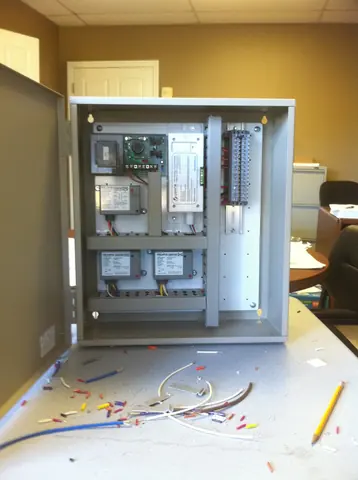
Show the TV and the wall
Send the TV model and a wide picture of the wall, including the area around the outlets and nearby furniture. If you have a mount, send the model or a photo of its label. We can review the wall and equipment together before quoting.
List what you want connected
Tell us whether the TV is already mounted, what device you want to stream from, and which remote or soundbar you want to use. Include the apps you use most and note whether the Wi-Fi works near the TV.
Pick a setup you can use on your own
Choose one task to test before the visit ends, such as switching to Roku and opening a favorite app. Keep sign-in details private and enter them when prompted.
Test the mount and the input separately
A wall mount quote needs the full TV model, wall type and intended viewing height. A streaming visit can start with an existing TV on its stand. If a Roku or Fire TV screen only appears after changing HDMI inputs, photograph the TV remote’s Input button and identify which HDMI port works.
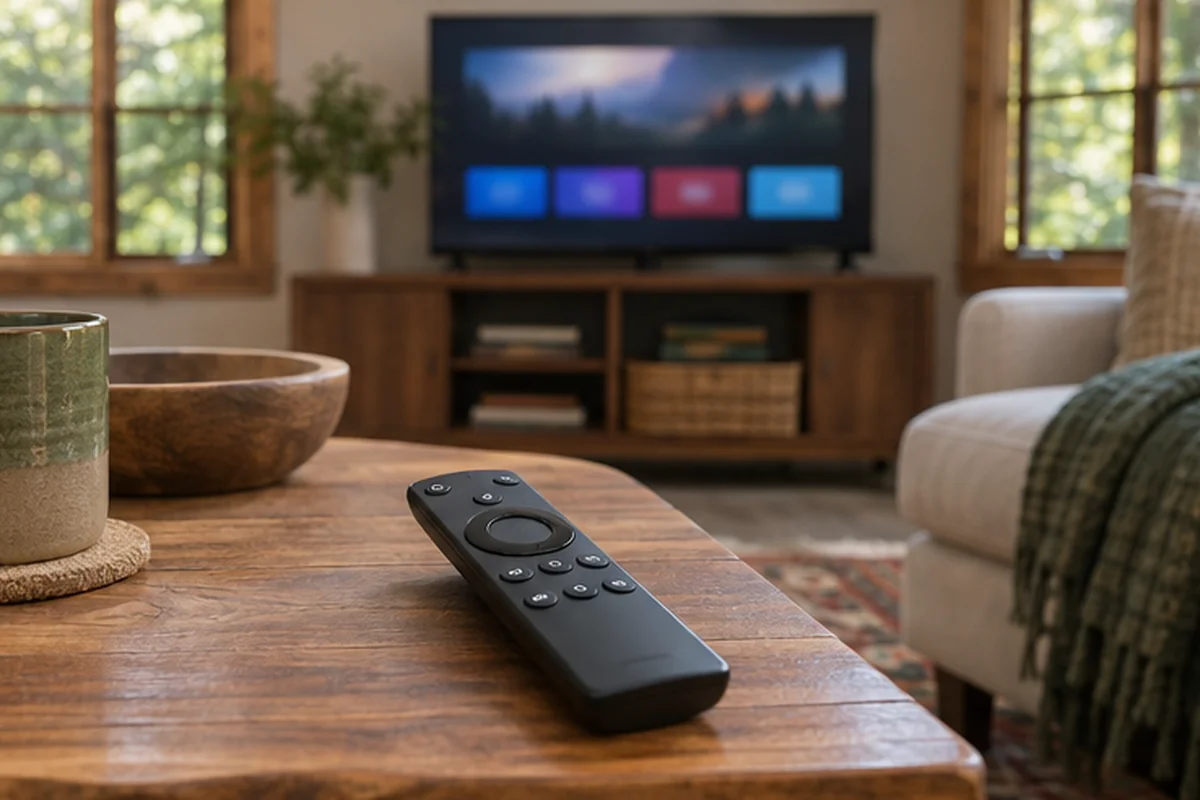 Roku Guest Mode setup for Rock Hill vacation rentals
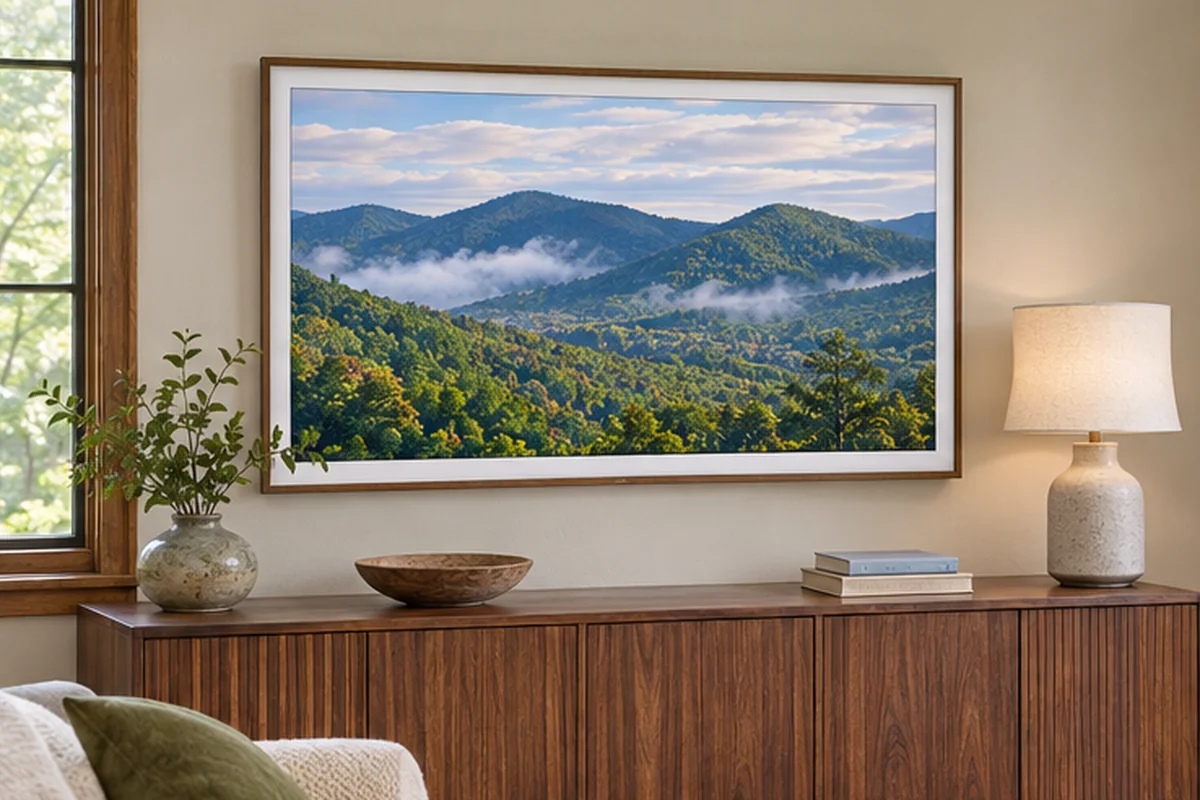 Samsung The Frame TV mounting guide for Middletown, NY