Roku TV, Streaming Stick or Express?
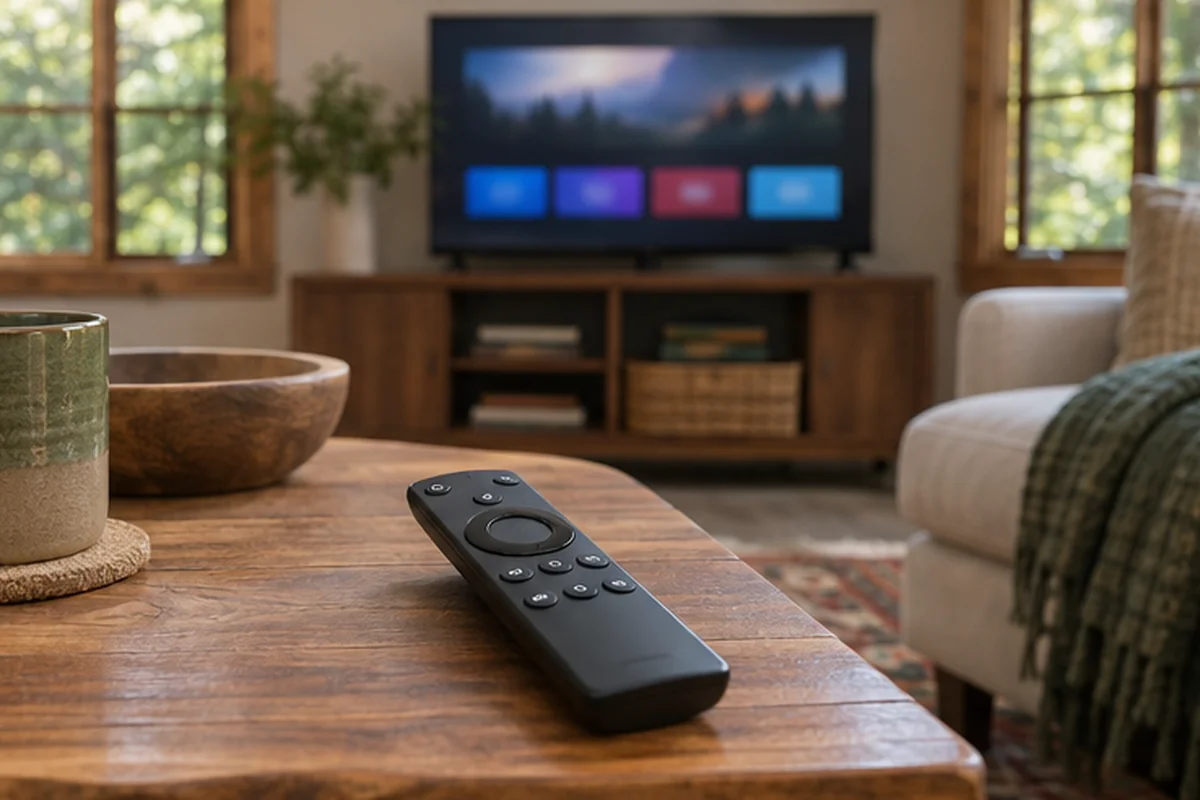
A Roku TV has its streaming interface built in. A Roku Streaming Stick or Express is a separate HDMI player, so first check which input the TV opens to after power-off. If the separate player’s remote controls the Roku but can’t switch your TV to the right input, leave a one-line instruction beside the remote. A label such as “Living Room Roku” also helps the owner choose the right device from the Roku account.
How does Roku Guest Mode clear guest logins?
On supported devices, Guest Mode lets visitors sign into their own apps and pick a sign-out date. Depending on the Roku OS version, the menu may call it Auto Sign Out. Roku says guest-added apps and sign-ins are cleared on sign-out. If a guest leaves early, the owner can sign that guest out remotely through the Roku account. Test the full sign-out and return to the welcome screen while the rental is empty.
The guest can see Roku but streaming buffers
Check how the Roku connects in the room where it will stay. A streaming stick behind a TV and a phone held in front of it may get different Wi-Fi reception. Try a real video with the room arranged as it will be for guests. Test the soundbar input and power sequence, too. If the room buffers on other devices, work on the guest Wi-Fi before replacing the player.
Set up a rental TV the cleaner can check in 30 seconds
Start from the TV off. Turn it on, confirm the welcome screen, open an app and verify the volume and remote batteries. Ask the cleaner to report a guest profile still visible after checkout. For a Rock Hill Roku setup visit, tell us the TV and player models, which room has trouble and when it will be vacant.