Deco X55, XE75 or BE63 for a rental?
Deco X55 is a dual-band Wi-Fi 6 mesh kit. XE75 adds a 6 GHz band with Wi-Fi 6E. BE63 is a tri-band Wi-Fi 7 kit. Pick based on the devices you need to serve and the route between mesh nodes. A thick wall or a weak connection between nodes can still limit coverage. If there’s working Ethernet between floors, wired backhaul is worth evaluating before paying for a higher-tier kit to solve a placement problem.
Deco Router mode vs. Access Point mode
Use Router mode when the Deco will manage the home network. Consider Access Point mode when you want the existing ISP router to keep that role and the Deco to extend Wi-Fi. In Access Point mode, some Deco gateway features are unavailable. Before changing modes, identify any existing rental devices that rely on the ISP router, including smart locks, TVs or a printer.
Can Airbnb guests see owner devices on Deco?
TP-Link says its guest network is isolated from the main network in Router mode. In Access Point mode, review the isolation or Allow Local Access setting on your model and firmware. Connect a guest phone and check that internet access works and that owner devices you intend to keep private remain unreachable. If the owner expects guests to cast to a TV, test that use case separately and decide which devices belong on the guest network.
Where to place nodes in a Woodridge rental
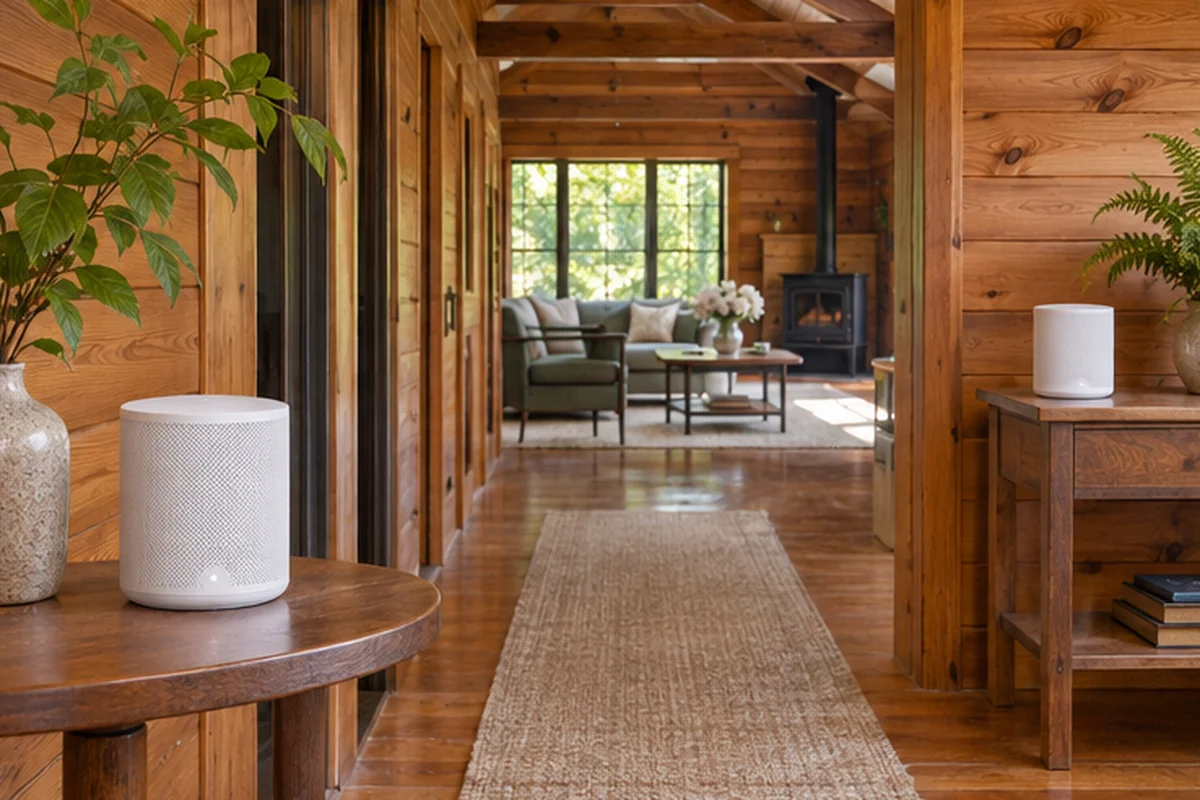
Start the first extra node where it can still get a good connection to the previous one. Check the far bedroom, TV and advertised work area after placement. Test with doors closed and from the same devices guests will use. Schedule the change between bookings and verify the saved guest Wi-Fi details before the next arrival.