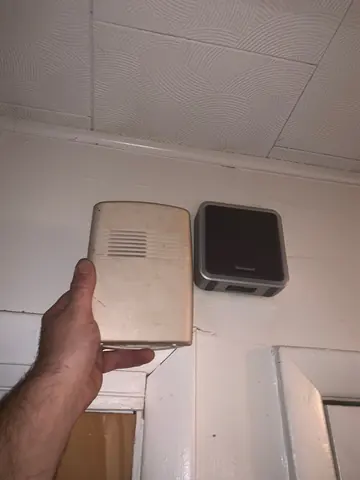
Choose one fixed view or a camera that can turn
A Blink Mini 2 is a compact plug-in option when a single view covers the doorway or pet area. The Tapo C225 can pan and tilt. It has a physical privacy button and is worth comparing when you want to turn the camera away or enable privacy mode as needed. Compare the app and storage setup for your exact hardware version before buying.
Plan access and placement with the people who live there
Choose a clearly visible shelf or approved mount with a safe cord path. Position it so the view stays in the intended common area. Agree on who is allowed to see the stream and whether audio is needed. Keep cameras out of private spaces. Airbnb bars devices that monitor rental interiors, including when switched off. This guide is for private homes.
Test pairing, motion zones and playback
Bring the owner’s phone, working Wi-Fi and the manufacturer’s app to the setup. The owner should keep control of the password and account. Walk through the entrance and check that motion alerts arrive where expected. Then find the saved clip together and explain how to pause alerts or use privacy mode.
Camera models to compare
Check the exact model, power option and kit contents before buying.
As an Amazon Associate I earn from qualifying purchases.
- Tapo C225 · Review the pan-and-tilt mount, privacy controls and storage options. View on Amazon · Video chapter
- Blink Mini 2 · Check power accessories and the clip storage options you plan to use. View on Amazon · Video chapter
Source video: Techfusion’s security camera roundup.
Setup guides by camera model
- Google Nest Cam (Battery) Setup in Rock Hill, NY
- Blink Mini 2 Setup in Monticello, NY
- Tapo C225 Indoor Camera Setup in Monticello, NY
- Deep Sentinel DS2 Camera Setup Questions for Sullivan County
- eufy Indoor Cam E30 (T8417) Pet Camera Setup in Liberty, NY
- eufy Indoor Cam S350 Setup for a Large Walden Room
- Tapo C120 Indoor or Outdoor Camera Setup in Middletown, NY
- Wyze Cam Pan v4 Setup for a Port Jervis Workshop
- Aqara Camera Hub G3 Setup in New Paltz, NY
- Ring Indoor Cam (2nd Gen) Setup in Wurtsboro, NY
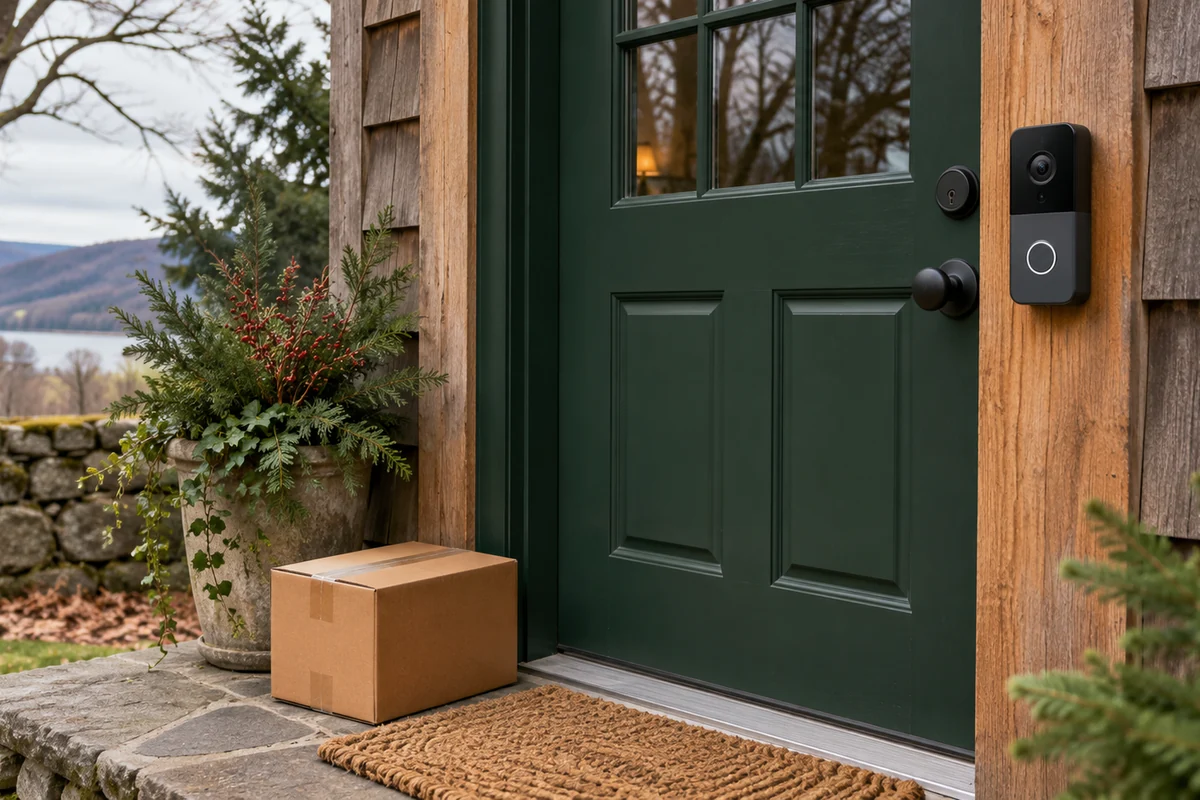 Video Doorbell Camera Setup in Wurtsboro, NY
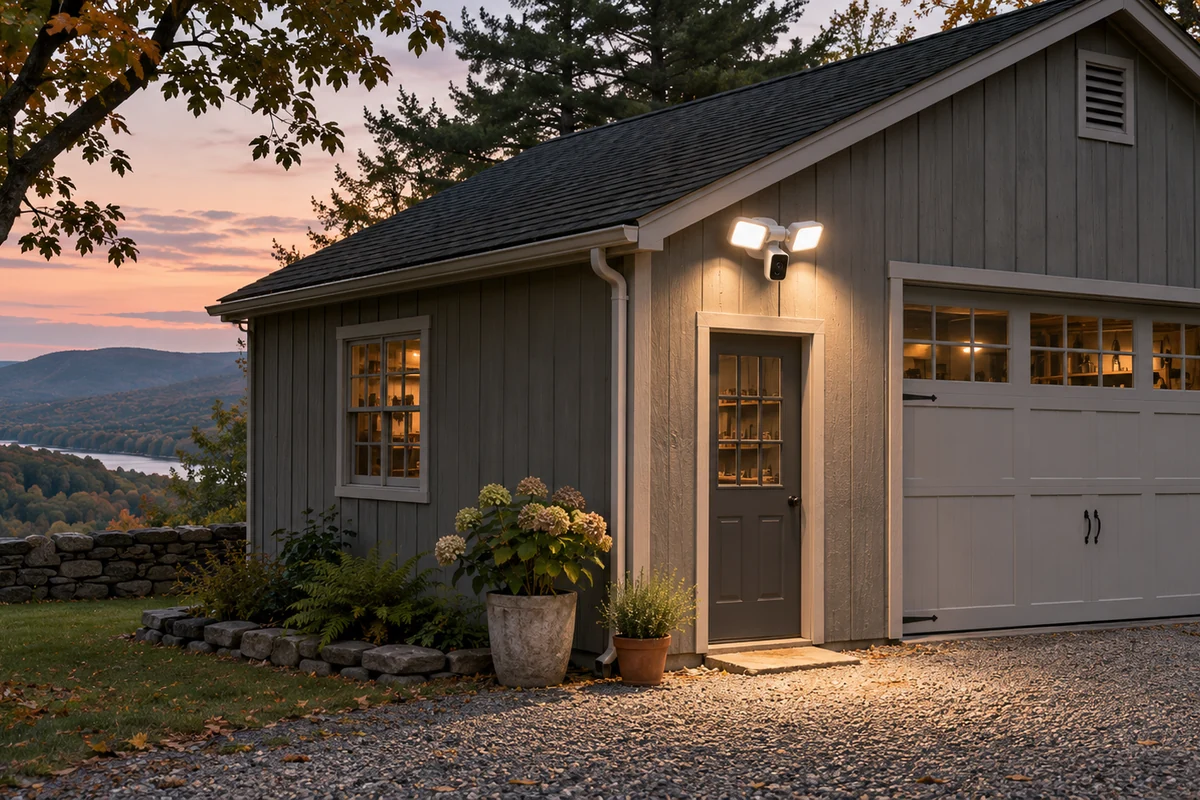 Floodlight Camera Setup for Garages and Driveways in Rock Hill, NY
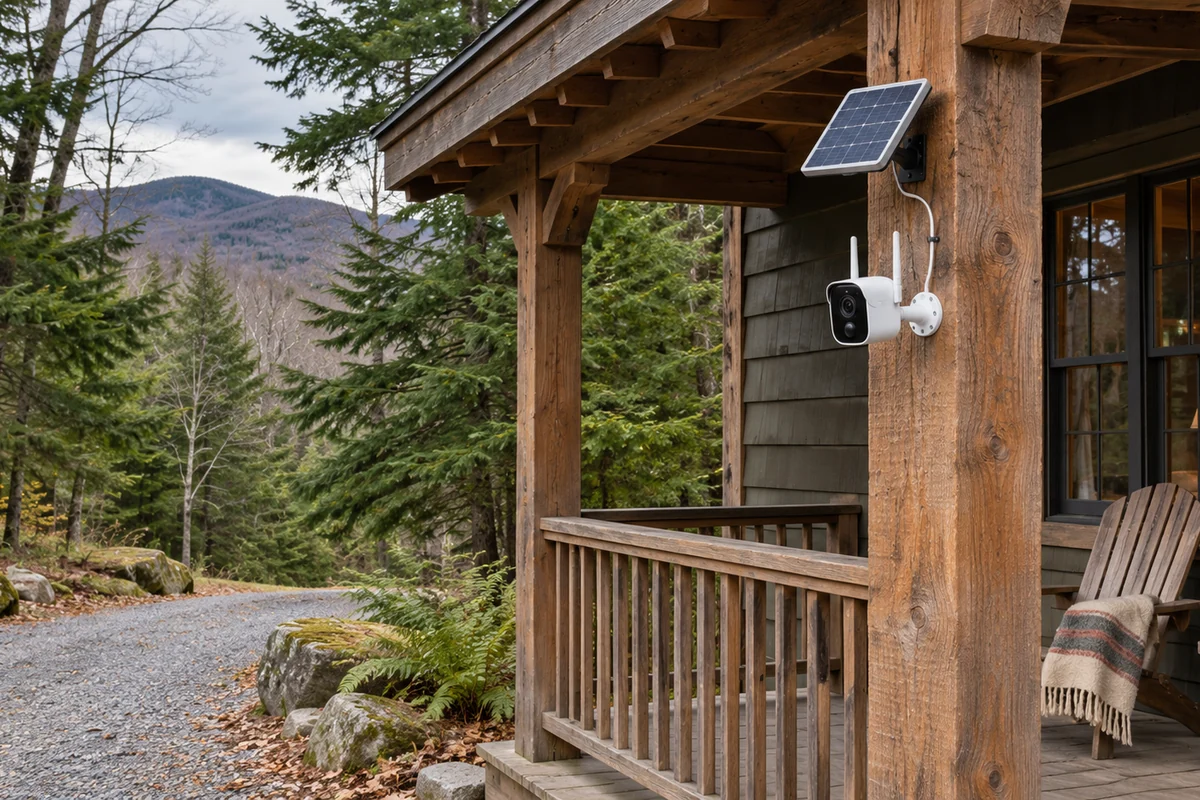 Solar, Wi-Fi or Cellular Security Cameras for Forestburgh Cabins
 Wired PoE Security Camera Systems in Ellenville, NY