Choose what should happen when you press power
Check whether you use the TV’s built-in apps, an external streaming box, or cable. Pick the one you use most and write down what screen should appear. If a separate device is plugged in, identify the right HDMI input and label the button or port in your quick instructions.
Get rid of the remote guessing game
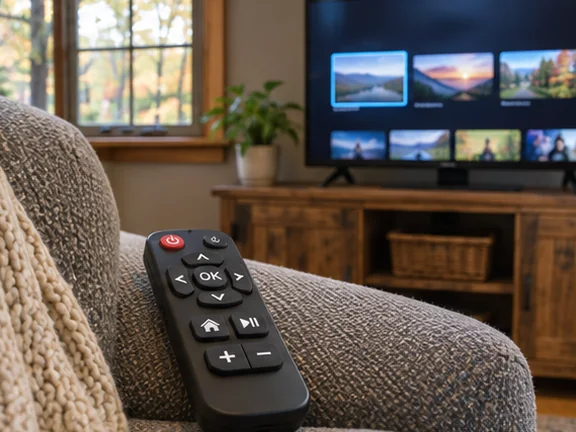
Test whether one remote can reliably turn on the TV and change the volume. If you need two remotes, label them with their jobs, such as “TV and volume” and “Streaming.” Arrange your most-used apps first and check that captions are easy to turn on.
Make the setup guest-friendly
For a rental, decide how guests use their own accounts and how to sign out. Keep owner accounts and payment controls private. Place a short card near the remote with the correct input, volume control, and who to contact if the screen says there is no signal.
Test from a cold start
Turn everything off, wait a moment, then hand the instructions to someone else. Have them open a show and adjust the volume. If a stream starts but stalls, test Wi-Fi at the television before replacing the remote or device.
Choose one normal startup routine
For a Roku player on HDMI 2, see whether the TV can open to that input automatically. If it cannot, write the two button presses beside the TV and test them from power-off. Check whether the TV or soundbar remote controls the volume guests will hear.